Beginning in the fall of 2022, Google drive will be available via the following method.
Launch Google Drive from the Windows Start menu
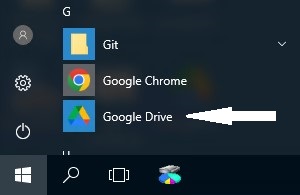
Enabling Google Drive Mapping
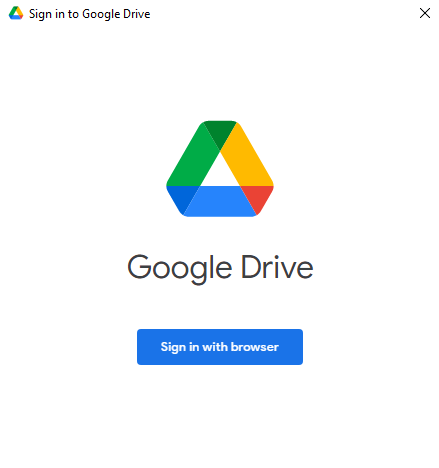
- Upon launching the Google Drive application you will be prompted to Sign in to Google Drive. Select the “Sign in with browser” button to be redirected to web logon.
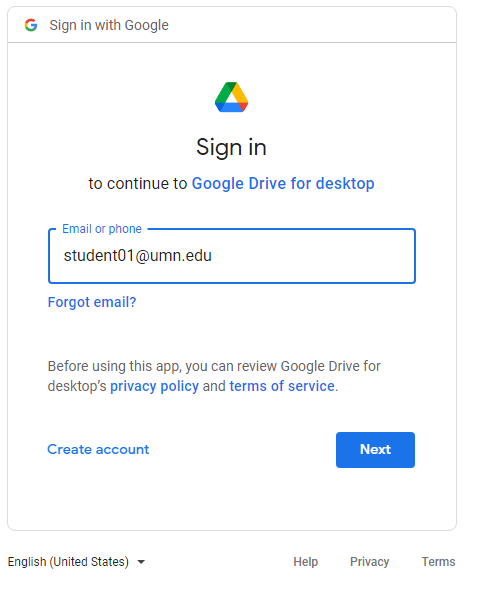
- Enter your University email address at the prompt and select Next. The authentication screen brings you to the University's Single Sign-On.
- Enter your University Internet ID and password and select Sign In. You will be prompted to complete Duo multi-factor authentication.
- Authenticate with Duo to complete the sign-in process.
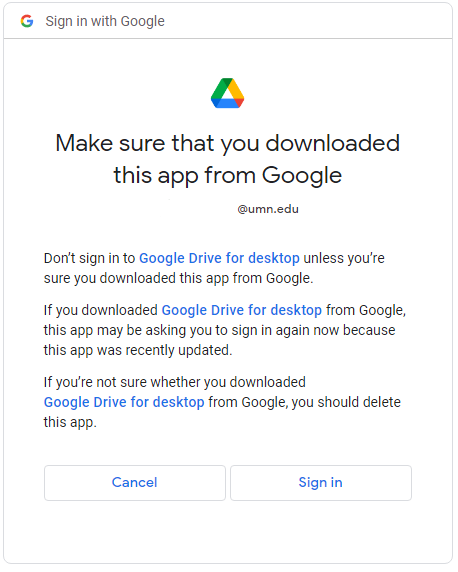
- Select Sign In when prompted
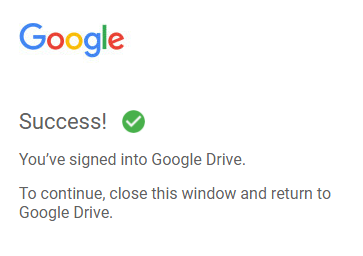
- You will receive a Success! message stating that you have completed the Google Drive mapping.
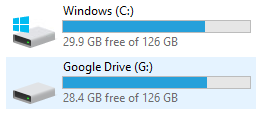
- Once you authenticate, the Google Drive will be mapped to your environment, most likely as the G Drive and will be labeled Google Drive.
Note: The authentication prompt will re-appear periodically depending upon password resets and vendor timeouts.